
Alamance County Civil Docket Searches
Your first stop is the North Carolina eCourts Portal. In Smart Search, set Location to Alamance. Then run the docket search by case number, party name, business name, or another supported criterion. Filters for filing date and case type help separate lookalike results. You can search publicly available records without an account. Registering only saves cases, since confidential or restricted files stay closed either way.
Before opening a Case Summary, confirm the case number, parties, and category match. Then check Search Hearings for the current court date. The case history, the calendar result, and the filed order itself are three different records. If the Portal fails you, go to the Clerk, a public terminal, or an eCourts kiosk. Don't treat a blank result as proof.
- Use Smart Search with the best available name, business name, or case number.
- Set Location to Alamance and narrow the case type or filing period when needed.
- Confirm the parties and causes of action before reading the event history.
- Use Search Hearings with a date range for the present civil setting.
- Ask the Clerk for the correct document or certified copy when a summary is insufficient.
Alamance Civil Dockets at Court Square
Except for marriages, Alamance County civil matters run through the Alamance County Historical Courthouse. It sits at 1 Court Square in Graham. For the civil counter and unified Clerk route, call 336-570-5200. Knowing the building helps when you need a paper file. It also helps when you wonder which division should answer a record question. The building does not split the records by legal custodian. The Alamance County Clerk of Superior Court keeps the files for both District and Superior Court.
The Historical Courthouse is still a working courthouse. Inside are a Superior Court courtroom, a small-claims and special-proceedings courtroom, and Clerk offices. Use the north entrance, which is public, screened, and accessible. The building page lists two-hour Court Square and street-parking limits. It also notes free public lots within walking distance. The Historical Courthouse location page is the official source for this civil-court image.
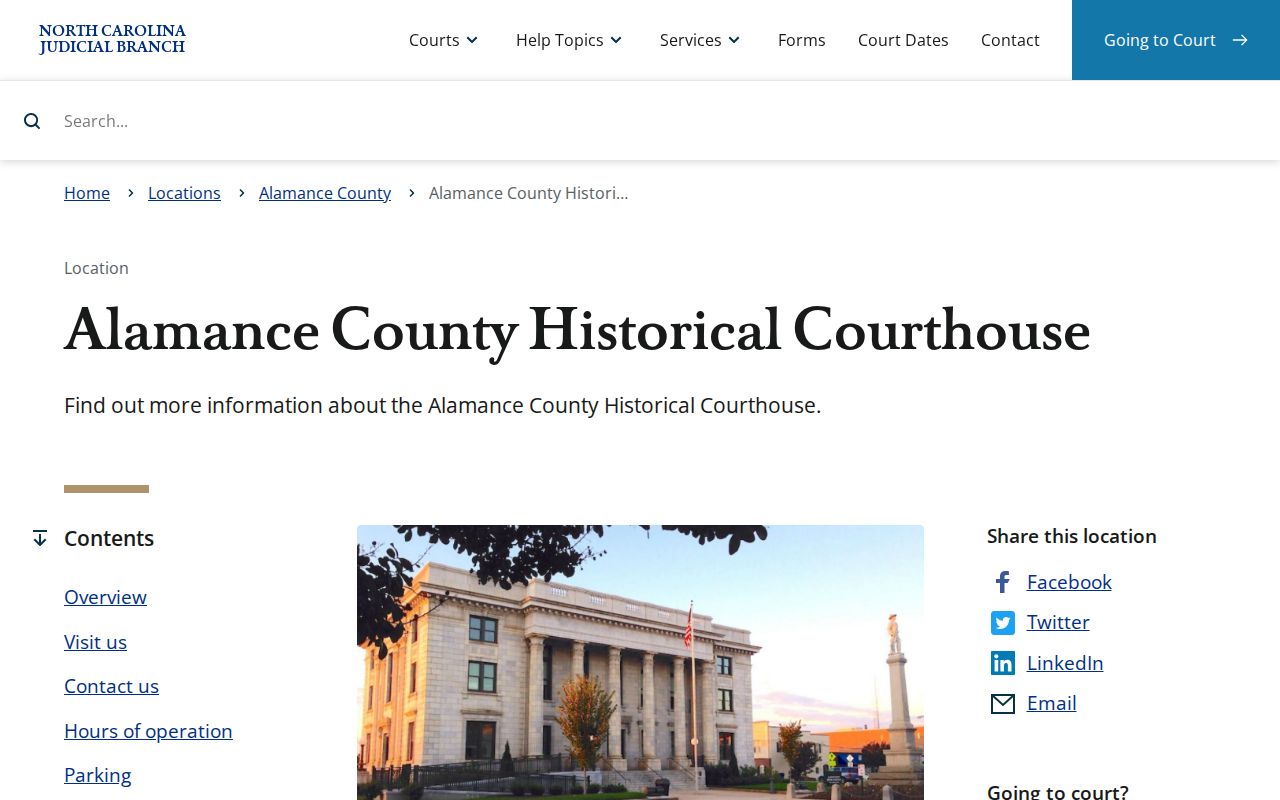
The local venue explains where a civil docket reader can reach the Clerk or a courthouse access channel.
Civil Dockets: What They Show
A civil Case Summary is the Portal's near-real-time timeline. It works as an index of public activity, and it is not the official copy of any pleading, order, or judgment. Tabs can include Case Information, Assignment Information, Party Information, Causes of Action, Case Events, Dispositions, Hearings, and Financial Information when they apply. Not every case gets a document image. A financial panel may be missing too.
| Case Information | Case number, category, status, and other baseline identity details visible to the viewer. |
|---|---|
| Party Information | Roles and parties that help distinguish cases with similar captions. |
| Causes of Action | The civil, family, probate, or mental-health claim basis when Portal displays it. |
| Case Events | Chronological filings, service, motions, orders, and calendar activity. |
| Hearings and Dispositions | Current settings and entered outcomes, which should not be treated as the same field. |
Read the case category and parties first. Then work through the events in date order before calling a case pending, reset, resolved, or on appeal.
Alamance Civil Docket Court Levels
The $25,000 line is a handy clue for a civil docket search. District Court generally handles civil actions at or below that amount. Superior Court generally handles those above it, subject to statutory exceptions. Small Claims Court sits inside District Court. Its cases are heard by magistrates. A case title alone won't reveal the layer. Check the category and current assignment in the record.
| Civil layer | Typical docket matters | Where to begin |
|---|---|---|
| Superior Court | Civil actions over $25,000 | Portal and the Clerk; the Superior coordinator is 336-570-5216 for scheduling confirmation. |
| District Court | Civil actions generally at or below $25,000 | Portal and the civil Clerk route at 336-570-5200. |
| Small Claims | Claims to $10,000 and specified property matters | Portal, Clerk, and magistrate context at 336-570-5219. |
G.S. 7A-243 sets the dividing line for civil cases in Alamance County.
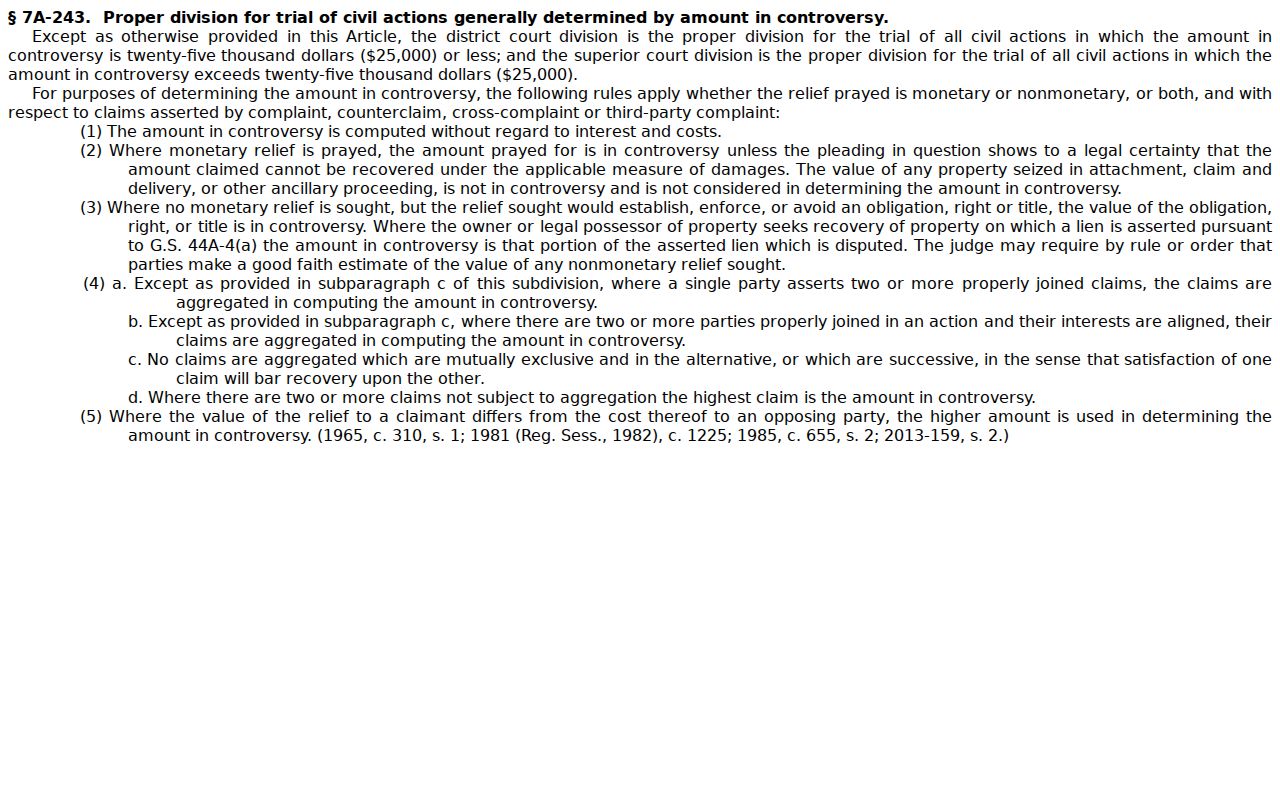
The threshold sets jurisdiction. It does not replace reading the current court assignment in the case record itself.
What Cases Fill the Civil Docket
Alamance civil dockets hold ordinary civil actions and special proceedings. They also hold estates, family matters with their own access rules, and small claims. Small Claims Court is not a Superior Court docket. Magistrates belong to the District Court structure. A small-claims appeal can move up into District Court. Use the Portal's case-type and location filters. They keep you from assuming every civil matter sits in Superior Court.
A civil case can move through complaint, service, answer or response, motion, notice or hearing, calendar request, trial, order or judgment, post-judgment activity, and appeal. Treat those as reading markers, not as guaranteed event labels. An order entered in the file beats any assumption drawn from a short calendar description. The North Carolina Small Claims Court page is the official source for this small-claims image.
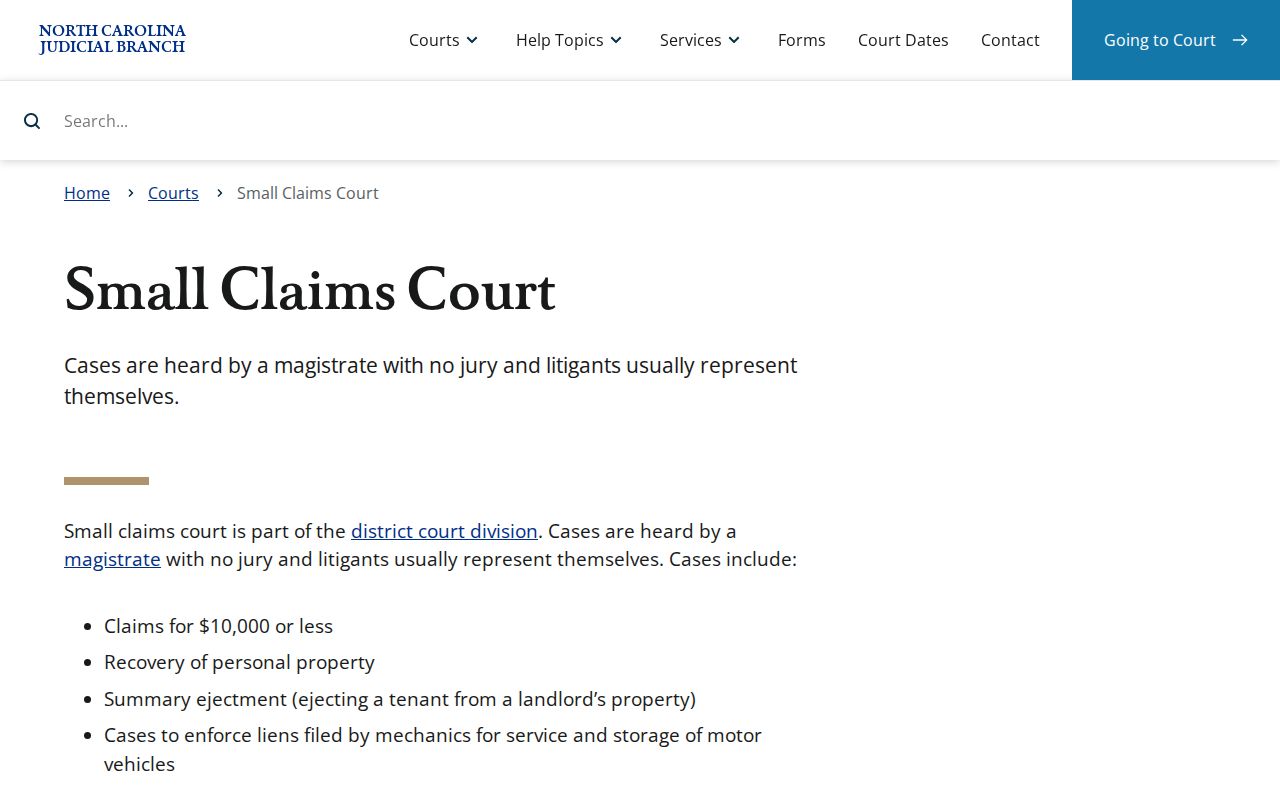
Small claims stays a District Court and magistrate route. The larger Alamance civil system still includes Superior Court dockets alongside it.
Alamance Civil Docket Calendar Fields
The Alamance Superior Court Calendar Request is a scheduling form, not a court-record request. It asks for a requested hearing or trial date and time, the estimated length, whether parties were consulted and agree, the subject matter, each motion, and a hearing type: Motion, Pretrial Hearing, Default, or Other. Its certificate of readiness also carries service fields and a required email field.
The form explains something important. A civil docket can show calendar activity without proving any final judgment. Default, on this form, is just a requested setting type. It does not establish an entered default judgment. For real case status, rely on the live Case Events. Then check the disposition and the actual court order.
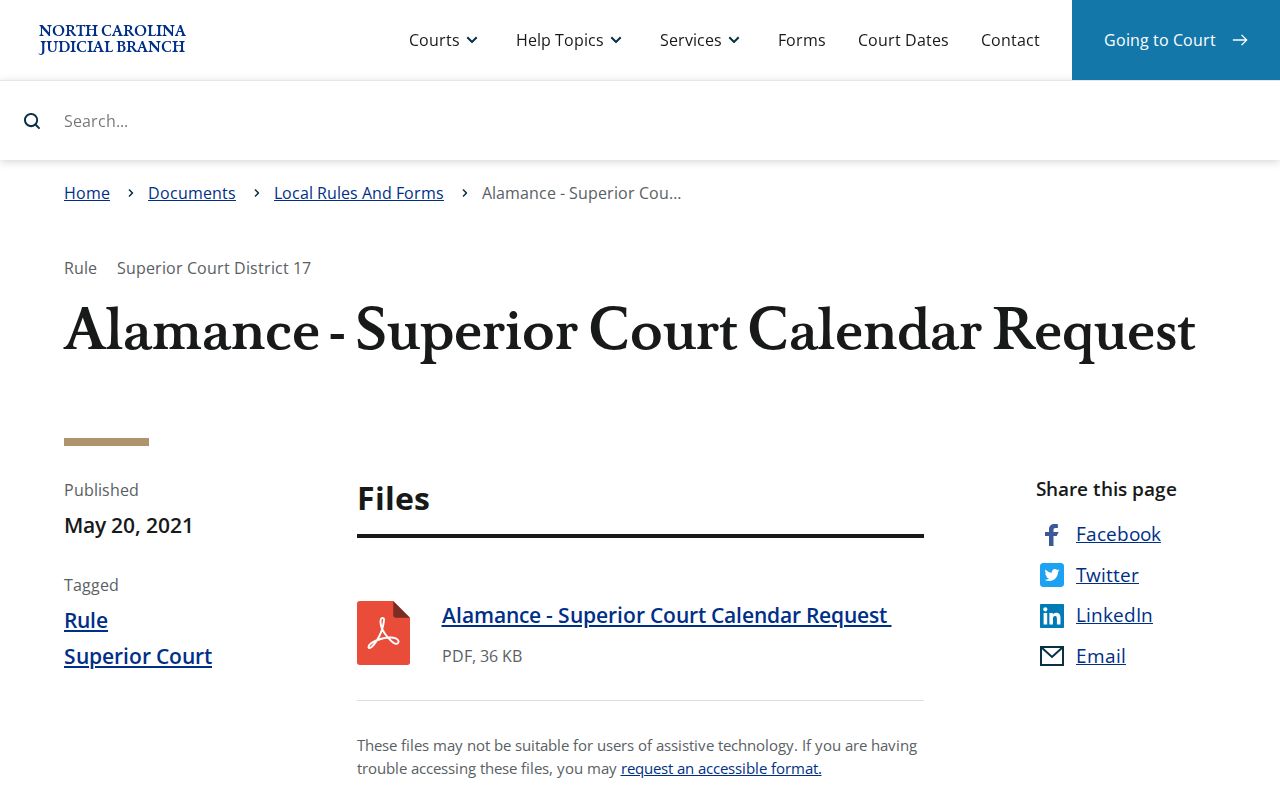
The calendar-request source highlights the local civil scheduling workflow behind many docket setting entries.
Hearings on the Civil Docket
For a current civil setting in Alamance County, start with Portal Search Hearings. Pick Alamance, pick Civil. Set a date range with the narrowest search type offered. Check the result against the Case Summary before you count on it. The county's own civil-calendar page still carries its official link. Its form has returned a 403 for direct queries. So Portal is the first route that works. Want a Superior Court setting confirmed quickly? Call the Trial Court Coordinator at 336-570-5216.
Local District 17 civil practice moves a case onto a ready calendar within five months after the complaint is filed. A certificate of readiness backs that placement. Any trial-setting request should be in writing. Get it in no later than six weeks before the session starts. Once a trial calendar is published, a continuance usually demands compelling necessity shown by written motion. It travels through the coordinator to the Senior Resident Superior Court Judge.
Alamance's official civil-calendar endpoint is the official source behind this calendar image.
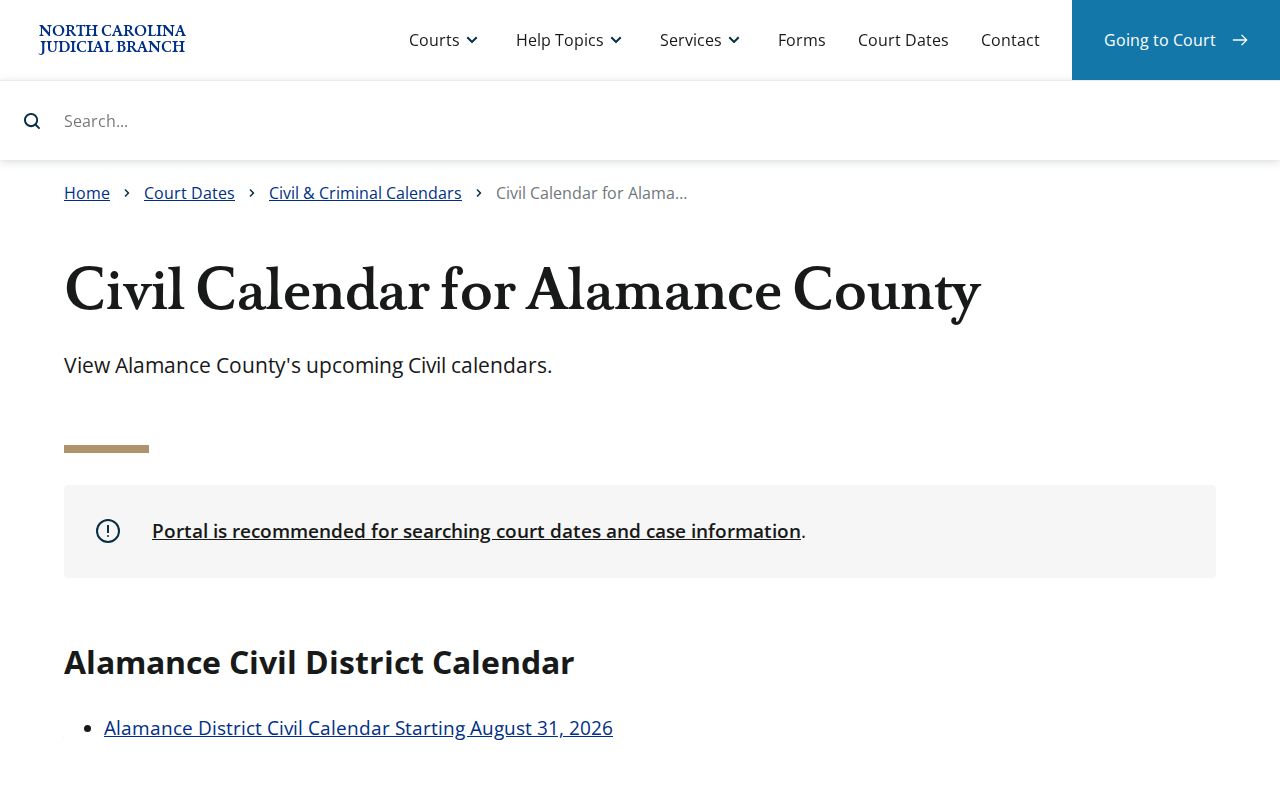
A published calendar helps, but it is not the last word on an Alamance civil docket setting. When a date shifts, the current Portal hearing result plus confirmation from the court controls.
Alamance Civil Docket Continuance Checks
A ready calendar never guarantees a trial date. A published trial calendar can change too. A continuance only moves a setting; it decides nothing about the claims. If the Case Summary shows an old hearing, run Search Hearings for the current date range and compare the newest calendar result with the latest event or order on the docket. For a time-sensitive setting, ask the Trial Court Coordinator. Do not trust an old calendar image.
Reading point: A motion, pretrial hearing, default request, continuance, and judgment describe different civil docket events. Read the actual record context before treating any one as a final outcome.
Who Can See Civil Dockets
Under G.S. 7A-109, the Clerk's prescribed records, dockets, files, and indexes are open to public inspection during regular office hours. A law can limit access. In Alamance County, Portal comes first. Next comes the courthouse public terminal or an eCourts kiosk. The Clerk counter comes last, for a paper file or a copy. One caution. A document can be public yet absent from Portal. Confidential, sealed, juvenile, and other restricted material follows its own legal rules.
Access rules:
G.S. 7A-109 sets the Clerk record and public-inspection baseline.
G.S. 132-1 states North Carolina public-record policy, subject to court-specific access limits.
General Rules of Practice address private information in filings and sealed material.
Alamance Civil Docket Orders
A Case Summary, a filed order, and a certified copy each do a different job for an Alamance civil docket. The summary is the public timeline of events. A filed order or judgment is the document itself. It may sit online, on a courthouse device, under restriction, under seal, or only in the Clerk's file. The Clerk issues certified copies. When you request one, give the case number and name the document. Say whether you want a plain copy or a certified copy.
Official court-record guidance says paper files are viewed at the Clerk office in the county where the case is located. Staff may make copies for a fee. The state fee chart lists $2.00 for the first prepared copy page and $0.25 for each additional page. A certificate under seal costs $3.00. An exemplification runs $10.00. Check current availability and charges with the Clerk before sending payment.