
Alamance Case Summary and Documents
Search an Alamance case and you may get the Case Summary, which the state also calls the Register of Actions. Think of it as a near-real-time map of the case: events, hearings, dispositions, party details, and any applicable financial information. It is a great tool for spotting an order, judgment, notice, or motion. It is not the document itself, though. Nor is it a Clerk-certified record. That gap matters when you need the actual filing named in an event rather than a timeline line item.
The Judicial Branch splits access into three channels. Smart Search on the North Carolina eCourts Portal puts public case information online. A public terminal or eCourts kiosk covers some items. These are public but simply not visible in the Portal. For the local court file itself, ask the Alamance County Clerk of Superior Court. That office also prepares copies. Certification is available where the law allows.
| Record type | What it provides | Usual Alamance channel |
|---|---|---|
| Case Summary | Case events, hearings, and dispositions | Portal Smart Search |
| Filed document | Order, pleading, judgment, or notice | Portal if available, terminal, or Clerk file |
| Certified copy | Clerk-issued official copy or certificate | Alamance Clerk |
The Judicial Branch court-records guidance lays out the state access channels behind this local choice.
Copy fees and copy types come from the Clerk's process, never from a Portal screen view.
Alamance County Court Record Requests
Lead with the exact case number if you have it. Only a name? Run a Portal Smart Search and narrow the Location filter to Alamance. The court division helps the Clerk pull the right file. So does the case event description. Any paper notice helps too. Ask for something specific, like a plain copy of a named order. A vague request for everything in a case just slows the routing down.
- Search the eCourts Portal for the Case Summary and identify the document, event, or copy type needed.
- Use the courthouse public terminal or eCourts kiosk if the summary is public but a document image is not displayed online.
- Contact the Alamance Clerk at 336-570-5200 for civil and general routing, or the criminal courthouse at 336-570-5202 for a criminal-file question.
- Ask the Clerk to confirm availability, the document count, the fee, and whether a plain copy, certificate under seal, or exemplification is appropriate.
- For an older, sealed, juvenile, or unclear record, follow the access channel the Clerk identifies rather than treating a Portal omission as proof that no file exists.
Mail works for court obligations at the Alamance County Courthouse, 212 W. Elm Street, Graham, NC 27253. The county posts no generic court-copy form and states no copy turnaround, so call before you mail a request or payment.
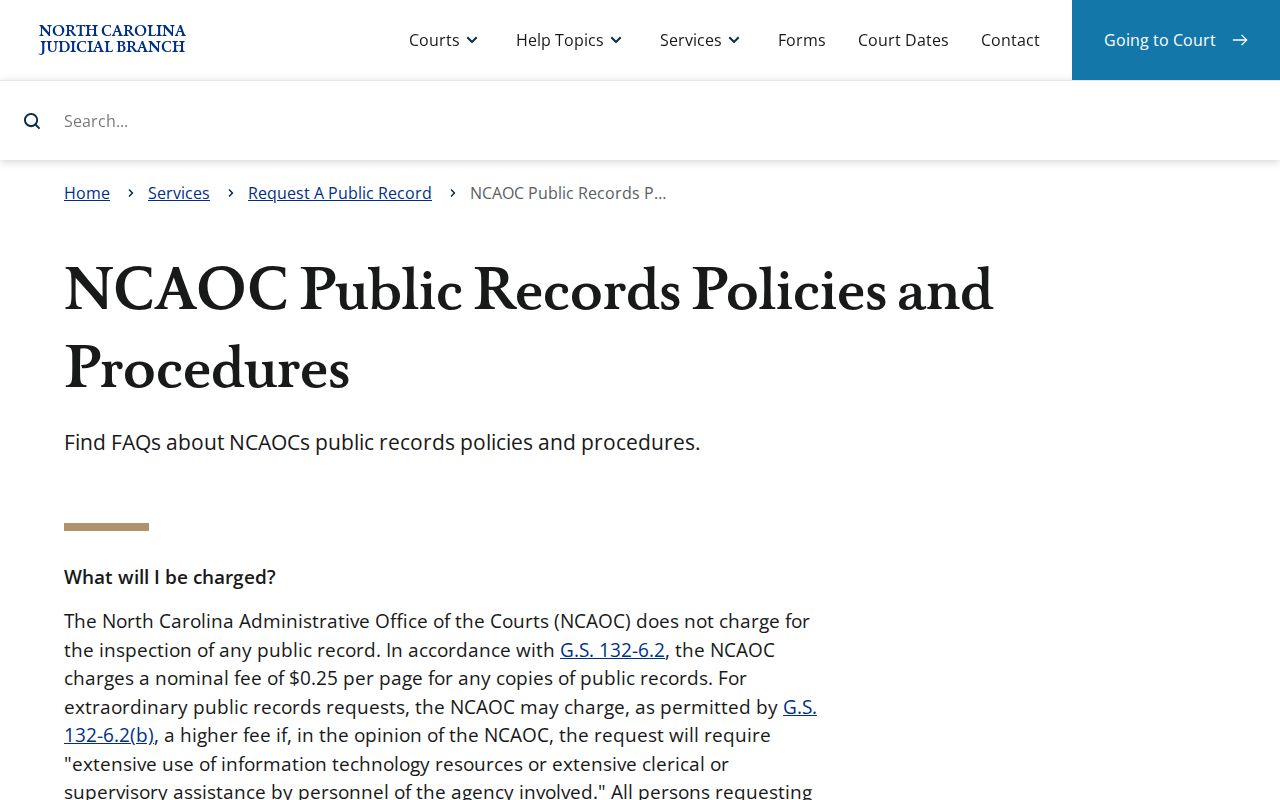
NCAOC's public-record policy draws a sharp custody line: an administrative request never replaces a case-file request to the Clerk in the county where the case was filed.
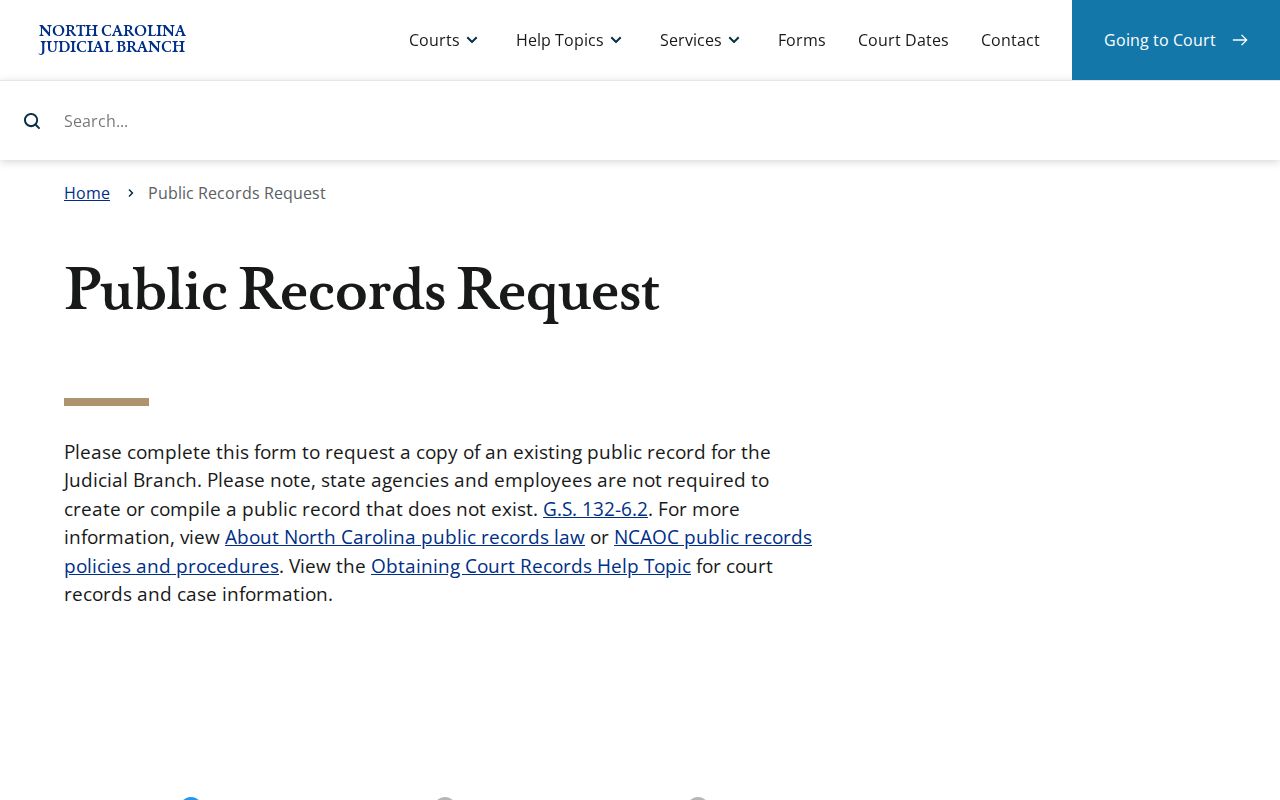
The state administrative request route is distinct from an Alamance court-file copy request.
Alamance Public Terminal Record Access
Registering on the Portal is optional for public searches. An account lets you save cases, nothing more. That is why a document can be fully public yet absent from the online docket. Judicial Branch guidance points to public self-service terminals in Clerk offices. The 2025 eCourts kiosk initiative added a local digital fallback offering search, printing, scanning, payment, and e-filing. No terminal overrides a sealing statute or court order. Still, it is the next practical stop for a public-but-not-Portal filing.
Paper case files are viewed through the Clerk office. That office sits in the county where the case sits. An Alamance case stays an Alamance case. A city name can appear in the caption anyway. When a city event spans counties, confirm the case's county first. Then ask a Clerk to pull the file.
The NCAOC request page has its own requester fields. Filling them out does not hand the agency every locally filed document.
For an Alamance reader, a public terminal beats guessing why a Portal image never loaded.
Kinds of Alamance Court Case Records
A single Clerk office holds the county's Superior and District Court records. That covers criminal, civil, family, small-claims, estates, special-proceedings, and judgment files. The case category tells you which division to ask. It does not spawn a separate county clerk or some city court database. Public access still depends on the file itself. The access rule that applies matters too.
- Case Summaries and Register of Actions timelines
- Filed pleadings, notices, motions, orders, and judgments
- Criminal, traffic, and District Court case materials
- Civil, small-claims, special-proceedings, and estate records
- Clerk-issued plain copies, certificates under seal, and exemplifications
The Clerk record-keeping statute sets the docket and index baseline while leaving restrictions from other law intact.
That statute gives you the inspection baseline. It does not open every case item to the public.
Alamance Court Record Counters
Alamance runs its courts out of two buildings. There is one records office. Civil matters, apart from marriages, are handled at the Alamance County Historical Courthouse. The address is 1 Court Square, Graham, NC 27253. Criminal matters sit at the Judge J.B. Allen, Jr. Criminal Courthouse, 212 W. Elm Street, Graham, NC 27253. The unified Clerk of Superior Court provides records service at both.
Alamance County Clerk of Superior Court
Historical Courthouse, 1 Court Square
Graham, NC 27253
336-570-5200
Criminal Court Clerk Channel
Judge J.B. Allen, Jr. Criminal Courthouse, 212 W. Elm Street
Graham, NC 27253
336-570-5202
Knowing the building split helps you route a visit or phone call. It does not split record ownership between two clerks.
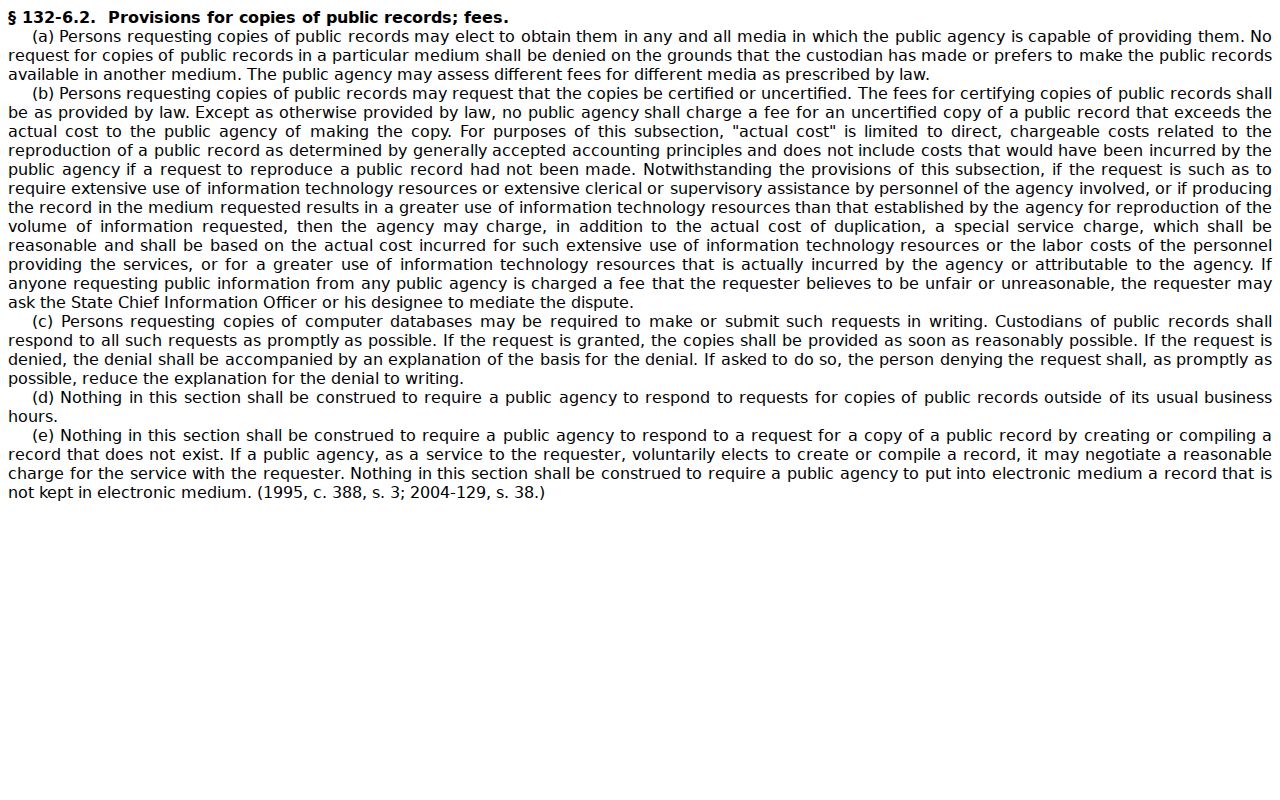
G.S. 132-6.2 sets the state copy and certification framework that shapes any request to the local office.
A record request lands on the right desk more often when it names the case division and the copy type you want.
Court Records: What They Contain
A public Case Summary can map the file, but contents vary. Case Information identifies the matter. Assignment Information may show court details. Party Information, Case Events, Dispositions, and Hearings each sit in separate Portal panels. So do civil Causes of Action, where applicable, and Financial Information. The actual pleadings, orders, and judgments referenced by those events live in the Clerk-held file. Access rules still apply.
| Case number | A four-part Enterprise Justice identifier; use the actual notice or Portal result rather than guessing its county suffix. |
|---|---|
| Case Events | Chronological recorded activity such as filings, notices, motions, and orders. |
| Hearings | Current or historical setting information, which must be read separately from disposition. |
| Dispositions | Recorded outcome information when entered, not a substitute for the certified judgment. |
| Filed document | The order, pleading, notice, or judgment behind an event, if it is available to the requester. |
A public timeline can point to a filing by name and date. It does not grant a right to every attachment, nor to a certified copy of anything in the Alamance County court docket.
Copy Fees and Certification
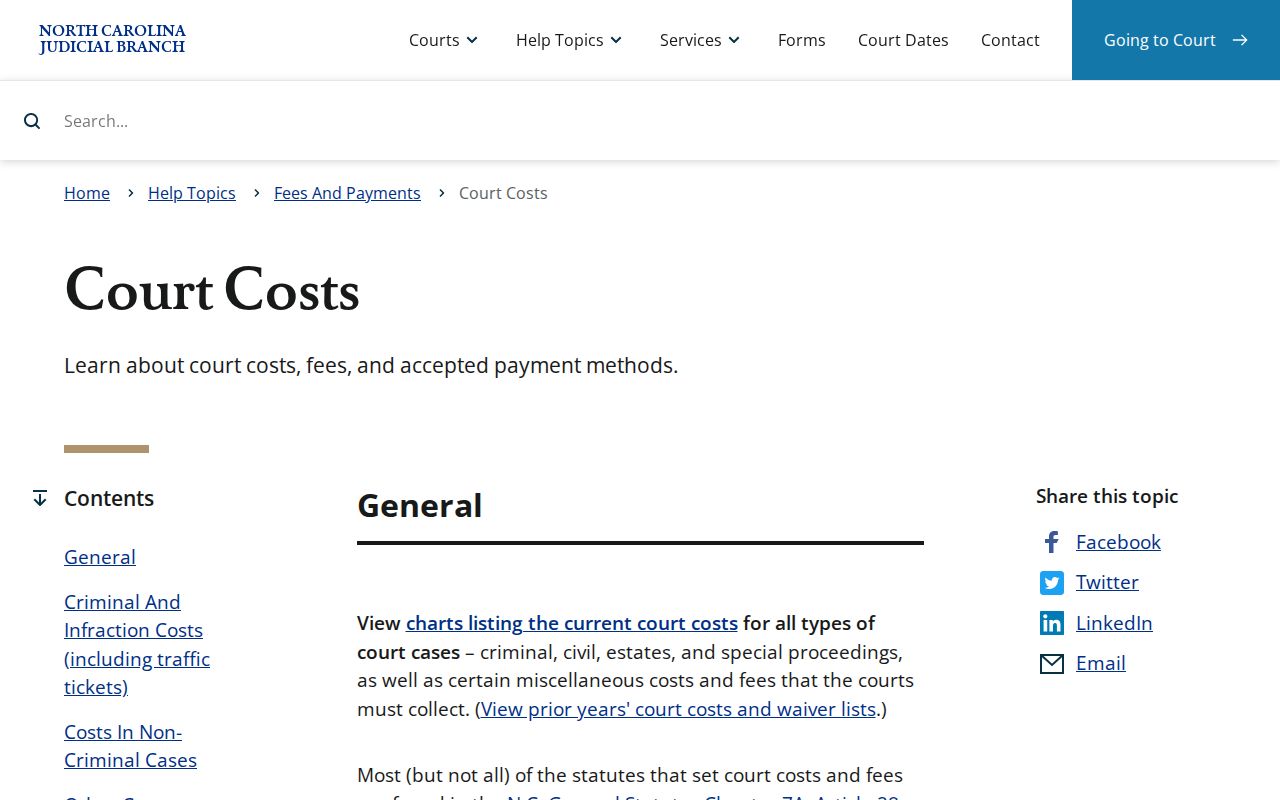
The statewide cost chart effective January 1, 2026 sets a clear fee baseline. Before taking payment, the Clerk must still verify the document, page count, service, and statutory access. The schedule does not price online documents. It lists no Alamance search fee and no docket-sheet fee.
| Clerk service | Published fee |
|---|---|
| First prepared copy page of each document | $2.00 |
| Each additional page or fraction | $0.25 |
| Certificate under seal | $3.00 |
| Exemplification of records | $10.00 |
Do not assume a certificate under seal and an exemplification are the same service. They serve different purposes. Ask the Clerk which one your situation requires before you order. Transcripts run through the court reporter or a digital-recording process. So the ordinary Clerk photocopy route does not apply to them. For the official state picture of Clerk charges, see North Carolina court-cost guidance. It lays out the statewide framework.
Get the fee confirmed by the Clerk first, so a formal certification never gets mistaken for a plain case copy.
Alamance Court Reporter and Archive Records
A transcript is not a photocopy of a court file. The Judicial Branch treats transcript requests differently from Clerk copy orders. A court reporter or a digital-recording process controls the proceeding record. An older case may be missing from Portal. The Alamance Clerk serves as the local archive fallback then. Preservation duties do not mean every historic file is digitized or sitting online. Some records simply live at the courthouse. When you contact the office, state the case number. Name the proceeding or document you need. Say whether you want a transcript, a case-file copy, or a certified record. That detail lets the Alamance Clerk or court office route your question quickly. No specific format, fee, or turnaround is guaranteed in advance.
Alamance Filing Redaction Rules
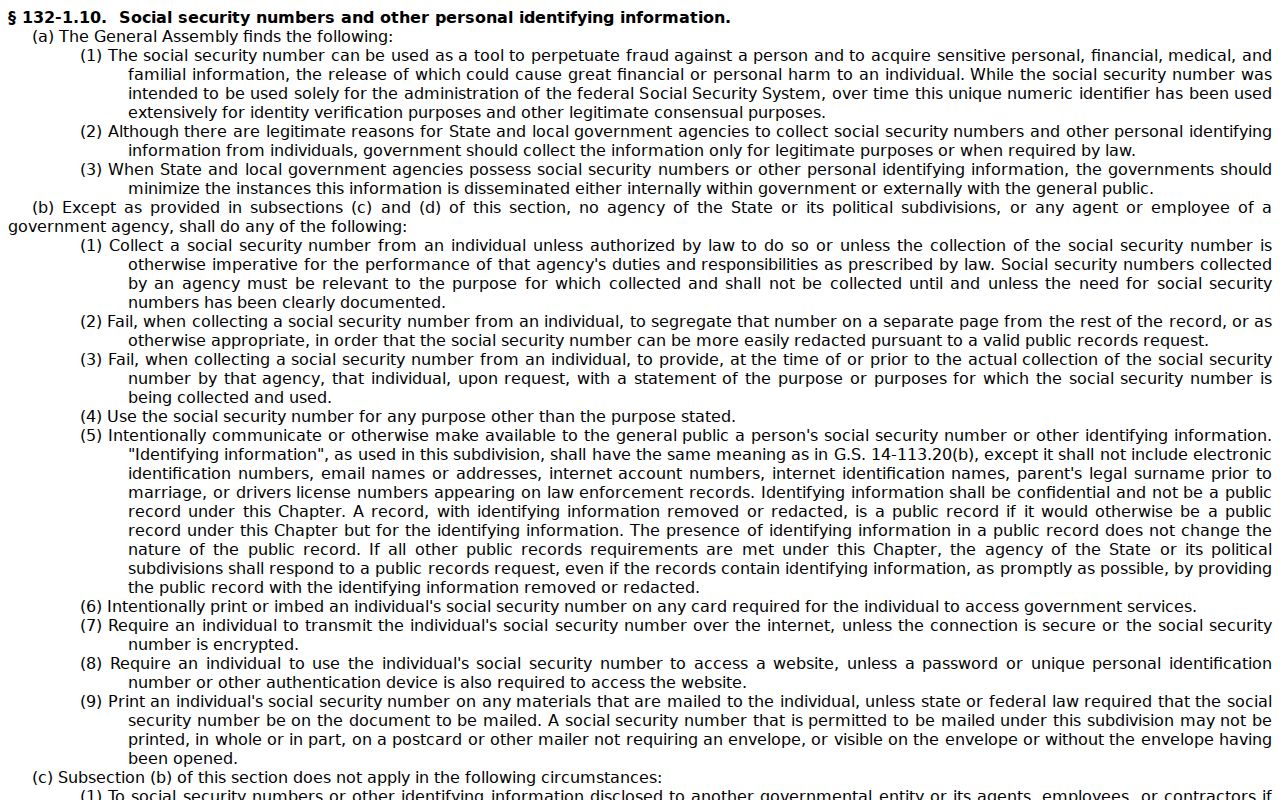
Court filings can leave personal identifiers out under privacy rules. A blank field or a missing image may reflect redaction. It could also be a sealed item or a Public-not-Portal classification. It is not proof of an incomplete courthouse record. G.S. 132-1.10 covers redaction of qualifying personal information. It also sets out a written Clerk-request process for eligible public images. Never read a gap as a fact. Check the current Case Summary first. Use the public device where lawful. Then ask the Clerk which access category covers the record you want. Redaction shields identifiers while the Clerk stays the lawful custodian of the court record.
Access Rules for Alamance Court Records
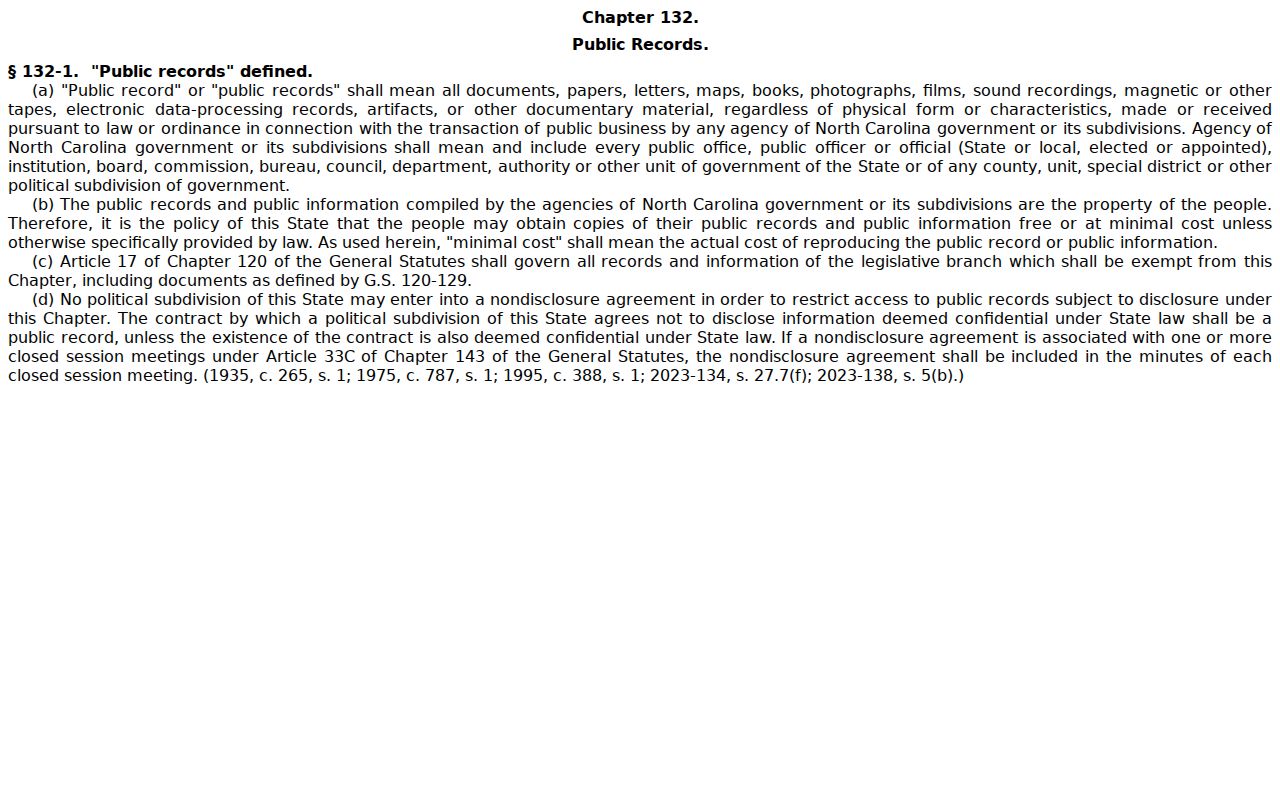
Under G.S. 7A-109, the Clerk keeps the prescribed records, files, dockets, and indexes, and they stay open for public inspection during regular office hours unless a law blocks access. G.S. 132-1 declares North Carolina's broad public-record policy. Confidential material still answers to court-specific statutes and rules. In practice, start with the public Case Summary. Move to a courthouse terminal or a Clerk request when access rules allow.
Key access rules:
G.S. 7A-109 requires Clerk-maintained dockets and indexes and sets the public-inspection baseline.
G.S. 132-1 states the state public-record policy, subject to court confidentiality rules.
G.S. 7B-3001 restricts public access to juvenile records unless the statute or a court order authorizes it.
Sealing, expunction, redaction, and Public-not-Portal status are four different conditions. An image absent online may still be public at a courthouse device, or it may be restricted, sealed, or simply unavailable. The Clerk can explain each access channel but cannot give legal advice on a sealing or expunction request.