
Traffic Case Records in Alamance County
Traffic tickets in Alamance County land in the District Court criminal and infraction stream. The Alamance County Clerk of Superior Court keeps the court record. It does so for every one of them. North Carolina does not run state citations through a city municipal court docket. A city officer may write the ticket. The case still moves through the unified state court and Clerk system.
Need a live answer? The Judge J.B. Allen Jr. Criminal Courthouse sits at 212 W. Elm Street, Graham, and answers at 336-570-5202. The general Clerk line is 336-570-5200. Staff can confirm a court record, though neither number offers legal advice. Pull up the citation first. Then pull up the Portal Case Summary and the hearing information. After that, ask the right division to confirm a current setting.
Alamance Traffic Dockets Are District Court
An Alamance traffic docket is a District Court record. That holds true for state citations written in Burlington, Graham, Elon, or the Alamance side of Mebane and Gibsonville. Where the event happened decides which county owns the file. A city name alone makes a poor search key, because some municipalities straddle county lines.
Burlington parking penalties are the one carve-out. They stay administrative rather than becoming a state traffic case. Do not confuse that city collection route with an Alamance District Court citation. For a state matter, pick Alamance in the Portal when the event occurred in Alamance County. Then check the court level and hearing details inside the case itself.
Alamance County Traffic Ticket Lookups
The North Carolina eCourts Portal is the main online route for a ticket lookup. In Smart Search, choose Citation Number when the ticket lists one, or search by case number and party name with Location set to Alamance. Search Hearings is the tool for the current calendar. The Portal displays public Case Summary details, upcoming hearings, and some eligible payment routes, but the ticket itself remains the first source for the charge, the court date, and the officer's instructions.
When a result is missing or muddy, work every channel. Double-check the number and the Alamance location, then run Search Hearings across a date range. Call the criminal courthouse at 336-570-5202 or the Clerk at 336-570-5200. The courthouse public terminal and eCourts kiosk open records that stay offline, and the Clerk arranges viewing of paper case files in the county of the case.
- Read the citation for the citation number, event county, and printed court information.
- Open Smart Search, choose Citation Number when available, and set Location to Alamance.
- Open the matching Case Summary and compare the charge, case number, and status.
- Use Search Hearings for the current date range and Criminal hearing type.
- Use the Clerk, public terminal, or courthouse counter when Portal does not resolve the record.
Alamance Citation Number Searches
Smart Search will not run without a criterion. Its advanced filters include a Citation Number option alongside case-number and party-name searching. A citation number works best when copied straight from the notice. The Portal publishes no fixed character count and no Alamance-only numbering pattern. So trust only what the notice itself shows.
| Portal field or channel | Use for an Alamance traffic case | Important limit |
|---|---|---|
| Smart Search query | Use a case number, or select Citation Number under search type. | A search criterion is required. |
| Location | Select Alamance when the event county is known. | Use the event county, not only the city name. |
| Search Hearings | Select Criminal and enter a date range for a current setting. | It is a calendar query, not the full history. |
| Clerk or terminal | Use for a public document, copy question, or Portal gap. | Access still depends on the case and record classification. |
The Portal's case number format is statewide. A live citation supplies the specific Alamance identifier; a sample cannot.
Traffic Court Dates in Alamance County
Portal Search Hearings is the strongest channel for a current court date. Pick Alamance and set Criminal or All Hearing Types. Then choose a date range, and search by case number, party, attorney, judicial officer, or courtroom. Next, open Smart Search for the related Case Summary. The date printed on the citation matters. But a continuation, a reset, remote instructions, weather closures, or a later order can shift the setting.
| Citation number | Use the actual number on the notice; no Alamance-only format was verified. |
|---|---|
| Court location | District Court criminal and infraction route for an Alamance traffic case. |
| Date range | The current Search Hearings period, rather than an old calendar entry. |
| Hearing status | Compare the Hearing result with recent Case Events for a continuation or reset. |
| Case Summary | The Portal timeline for events, dispositions, and applicable financial information. |
Need an answer fast? Call the local court office and verify any setting that looks unclear. The county still links its official civil and criminal calendars. Those endpoints return a 403 to a browser, though. Because of that, the Portal and the Clerk are the channels that should lead. They show the current docket reliably.
Alamance Traffic Hearing Confirmation
A hearing entry from the past is not the next court date. Check the latest Case Events, then run Search Hearings for the current calendar. Each source answers a different piece of the question. The citation is the initial notice. The calendar tool is the live search result. The Clerk or court office is the local confirmation route when time is short.
The eCourts kiosk rollout listed Alamance among courthouses gaining new functions. Those include Portal search, court-date and event search, e-filing, payment, scanning, and printing. Ask the Clerk which public access channel applies on the day you visit.
Paying a Ticket vs Fighting It
Read the citation first. It tells you whether the offense is waivable and whether you must appear. If the offense is waivable, you can pay the fine and court costs before your court date, and that payment resolves the case as a guilty or responsible result. Paying also waives your chance to appear and contest the charge. Anyone who wants to fight it should instead follow the appearance instructions and the court date printed on the citation. Don't assume a general online payment is the right route for every case.
| Response path | Court-record effect | Alamance channel |
|---|---|---|
| Pay or waive an eligible citation | Resolves the eligible case without an in-person contest. | Eligible Portal payment, in-person Clerk or magistrate channel, or permitted mail route. |
| Appear and contest | Keeps the matter on the court process for the stated setting. | Follow the citation and current hearing information. |
| Ask about an eligible reduction or dismissal request | Case-specific option, not a guaranteed result. | Citation Services or the court-confirmed route. |
Alamance County publishes no set fee for defensive driving or deferred disposition on a ticket. Ask the traffic court or the Alamance Clerk of Superior Court about any option on your case, and get the real number in writing before you send money.
Alamance Clerk Payment Rules
The court's own Alamance payment-information page lists the ways to pay. Mail a money order or certified check to the Alamance County Clerk of Superior Court. Cash and personal checks should never go in an envelope. At the counter you can pay with cash, a money order, a certified check, or a credit or debit card. A processing fee is added for the card.
Not every citation can be paid online. A payment can count as a guilty plea. Check the docket entry on your case first. Whether you can pay, and how much, depends on the citation itself. The Clerk's payment page spells out the local rules that apply.
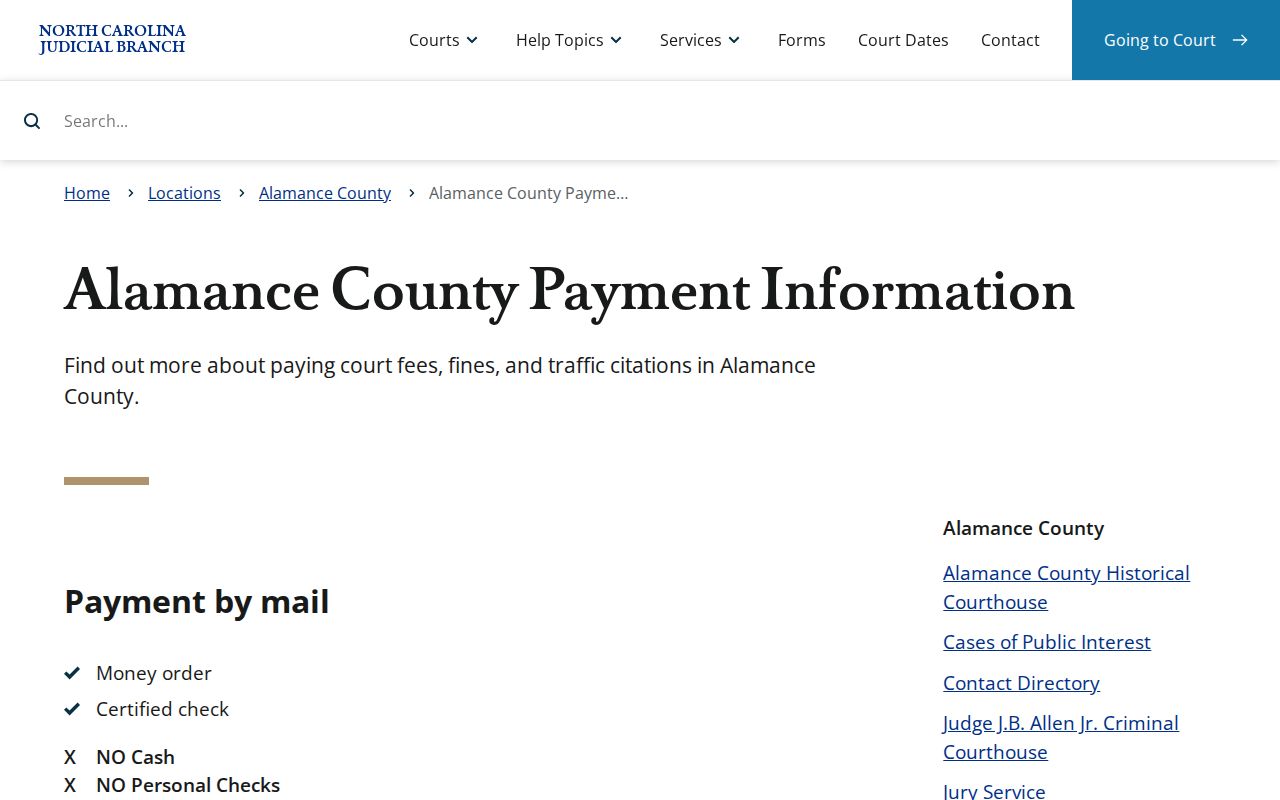
The county's payment page sets out the channels but leaves the choice to you. What your citation and court docket say governs whether paying is the right move.
Alamance FTA and Payment Deadlines
Skipping a court date is the fastest way to make a traffic case worse. State traffic rules set firm reporting windows. An unpaid failure to appear can be reported 20 days after the missed date. Fail to pay a court-ordered amount and that failure can be reported after 40 days.
Alamance District 17 does offer a first-time FTA order. It covers some pending criminal or infraction cases in District Court. It lets designated clerks act under set policy conditions. It is not an automatic erasure of the missed date. Treat the deadline on your docket seriously.
Missed-date warning: Check the current Case Summary and Search Hearings, then contact the criminal courthouse or Clerk immediately to learn the current court instruction. Do not assume that a past date, payment screen, or policy reference resolves the case.
North Carolina traffic-violations guidance is the source for this traffic-case image.
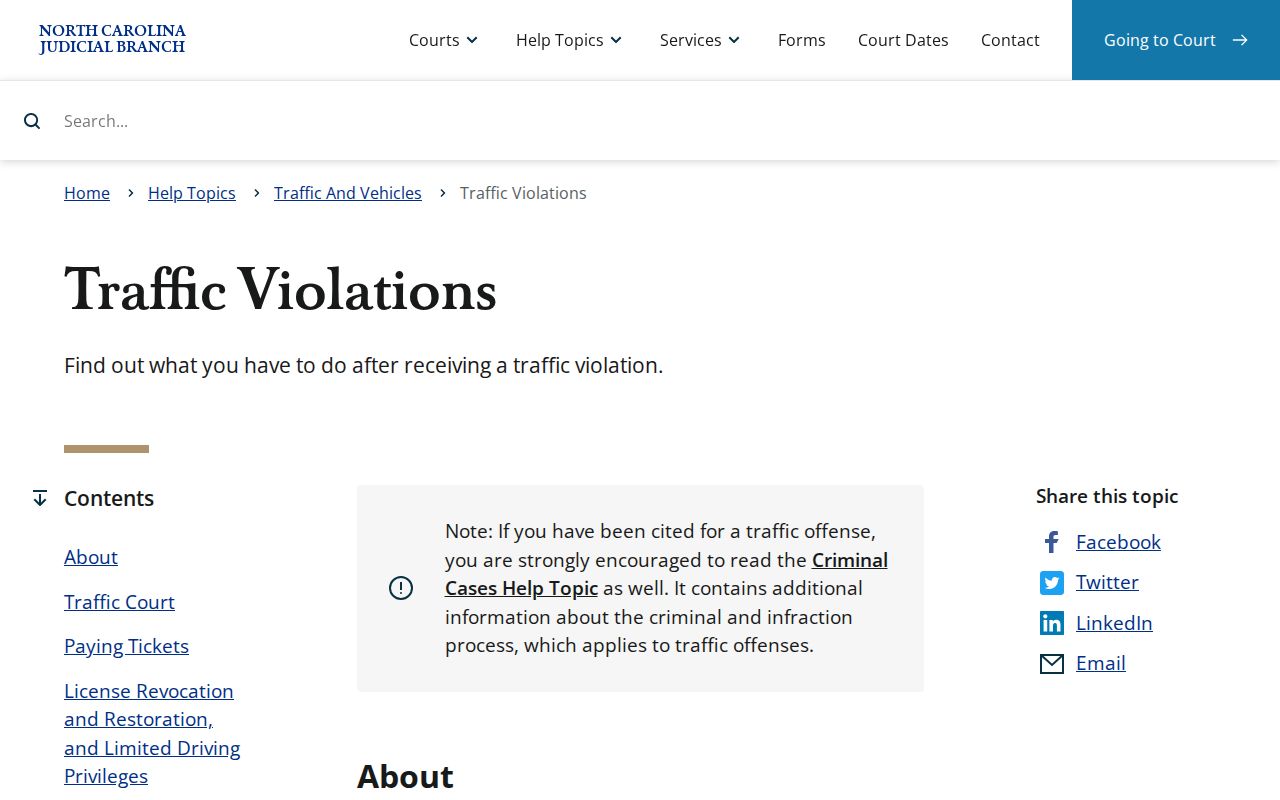
Alamance County handles failure-to-appear and payment questions through its own Clerk of Superior Court, though the statewide framework sets the rules that govern the answer you will get.
Two Records: Court File and Driver File
A traffic case in Alamance County leaves a paper trail in two places. The court file sits with the Clerk and the court. It holds a lot. There is the citation, the charge, and the Case Events history. It also holds hearing settings, a plea or responsible finding, the disposition, any court costs or fines, and court-side FTA or payment activity. You can search it in Portal, at a Clerk terminal, or by asking the Clerk. The driver file is a different animal. That one belongs to NCDMV. Two records, two offices, and two separate ways to request them.
| Record | Custodian | What the traffic page addresses |
|---|---|---|
| Court case file | Alamance Clerk and District Court | Citation case, hearing, docket events, disposition, and court copy path. |
| Driver file | NCDMV | A distinct agency-held record, not a Portal court Case Summary. |
Knowing which record is which keeps things straight. A court docket result, a disposition, or a Clerk copy should never be confused with what a separate agency holds on the driver side.
Traffic Record Copy Fees
Before you ask for a court record, know what form you need. Is it a Case Summary, a filed document, a plain copy, or a certified copy? Portal shows public case information when it is available. That is not the same as a certified record. Some documents are public yet never appear in Portal. A public terminal or the Clerk can fill that gap. Contact the Alamance Clerk with specifics. Give the case number. Name the exact document and copy type you want.
| Clerk copy service | Published state fee |
|---|---|
| First prepared copy page of each document | $2.00 |
| Each additional page or fraction | $0.25 |
| Certificate under seal | $3.00 |
| Exemplification of records | $10.00 |
Ask the Clerk to confirm document availability, certification needs, and the total cost before you pay. G.S. 132-1.10 sets out the redaction rules that apply to court records.
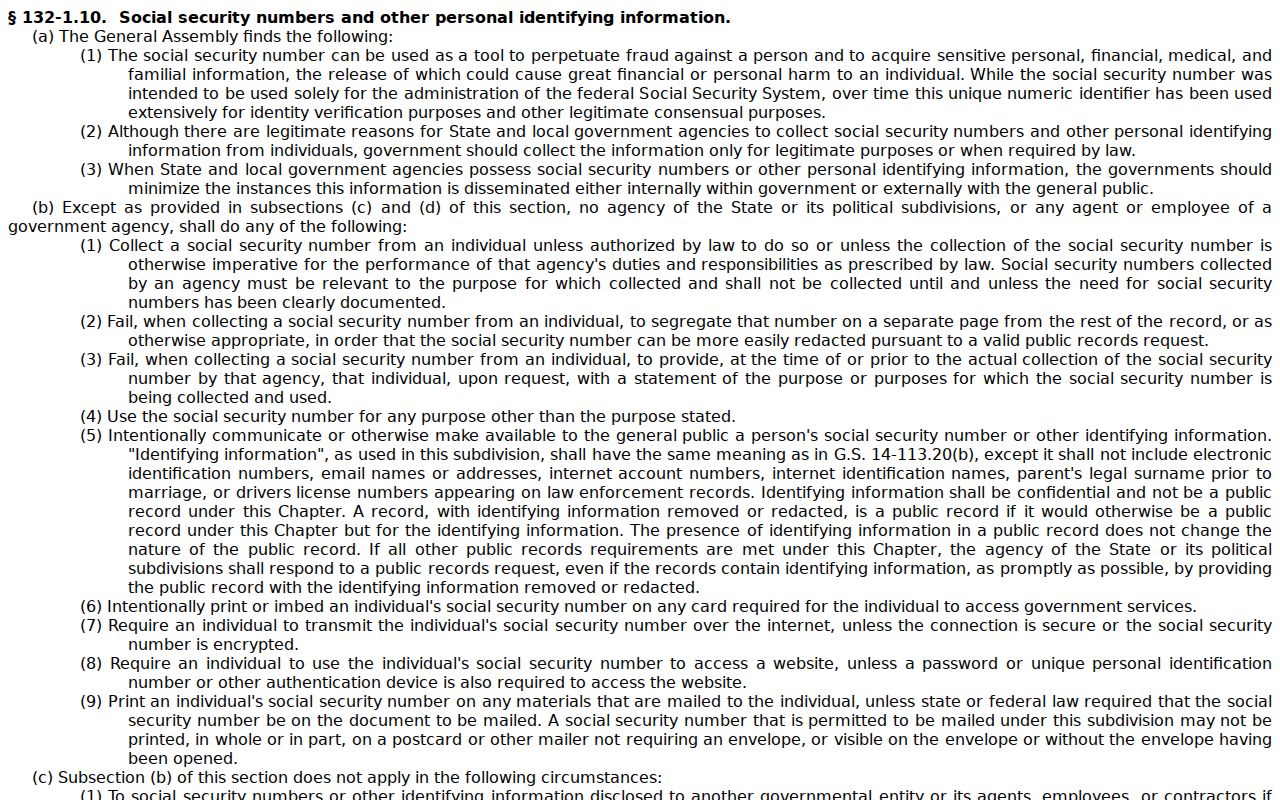
That same statute is worth remembering: redaction requirements can shape both access to a court file and what appears in public images of it.
Alamance Traffic Record Access Limits
G.S. 7A-109 sets the baseline for inspecting Clerk records in Alamance County. Still, plenty of limits can sit on top of it. A document may be public. Public status does not mean you can view it from home. It might be left out of the Portal. It might also be blocked by law, sealed by court order, or viewable only on a courthouse device or by someone legally entitled to see it. So a missing image proves nothing about whether a traffic case ever existed. Work from the case number. Confirm the right county and the Clerk. Use the proper courthouse access channel before concluding anything about a court record.
One more wrinkle matters with traffic tickets. Cities sometimes cross a county line, so check where the event actually happened before selecting Alamance. Both counties use the same statewide Portal, but the event county controls the court file and the Clerk you contact. That county-first habit is the surest way to avoid a false negative in a docket search.
Alamance Traffic Docket Restriction Rules
Sealing, expunction, and redaction are three separate legal tools, and each works differently. A result can vanish from an online docket. In Alamance County, the cause could be an access classification, a court order, or a plain search error. The gap alone tells you nothing. The Clerk can point you to the right court-record access route, though the office cannot advise you on whether you qualify for expunction or sealing.
The statute G.S. 15A-146 covers expunction after certain qualifying dismissals, and the official page spells out who it applies to.
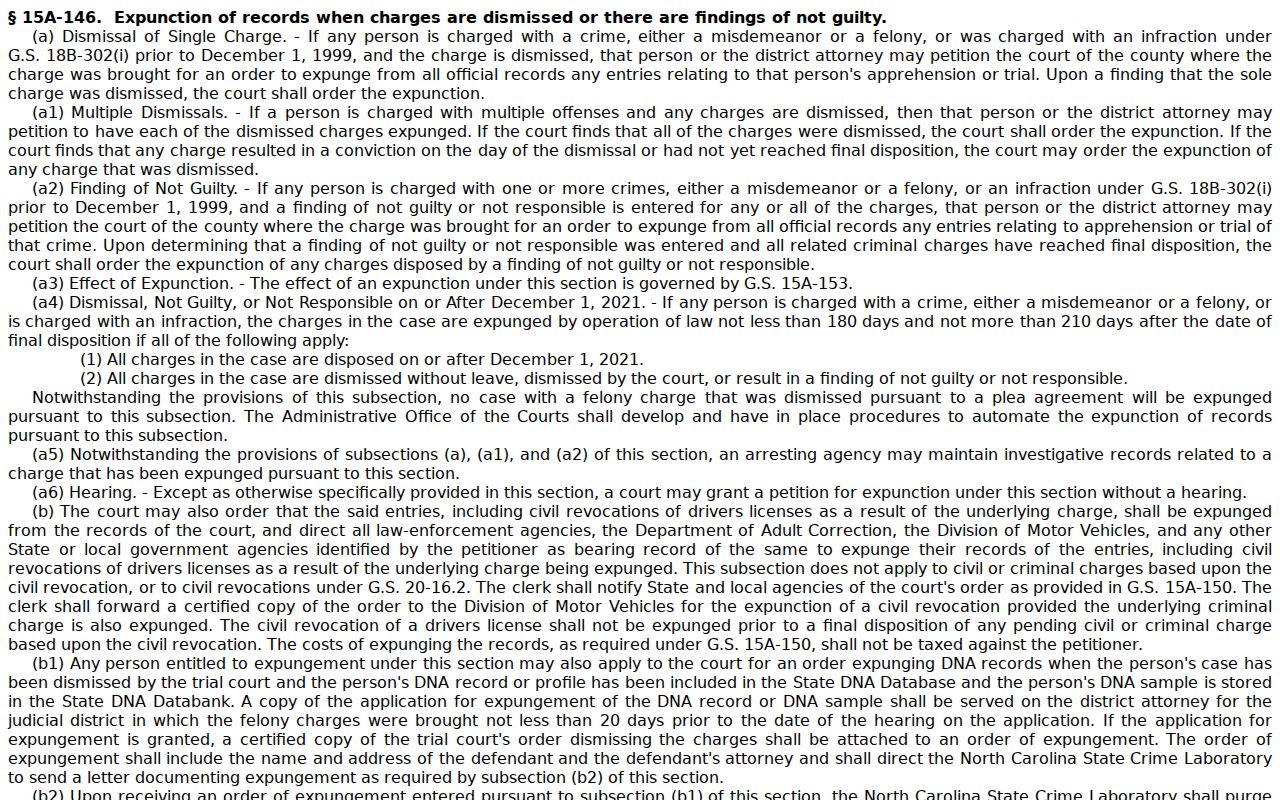
Questions about access and relief in the Alamance County traffic docket rest on statute and court procedure. A missing Portal result does not change that.